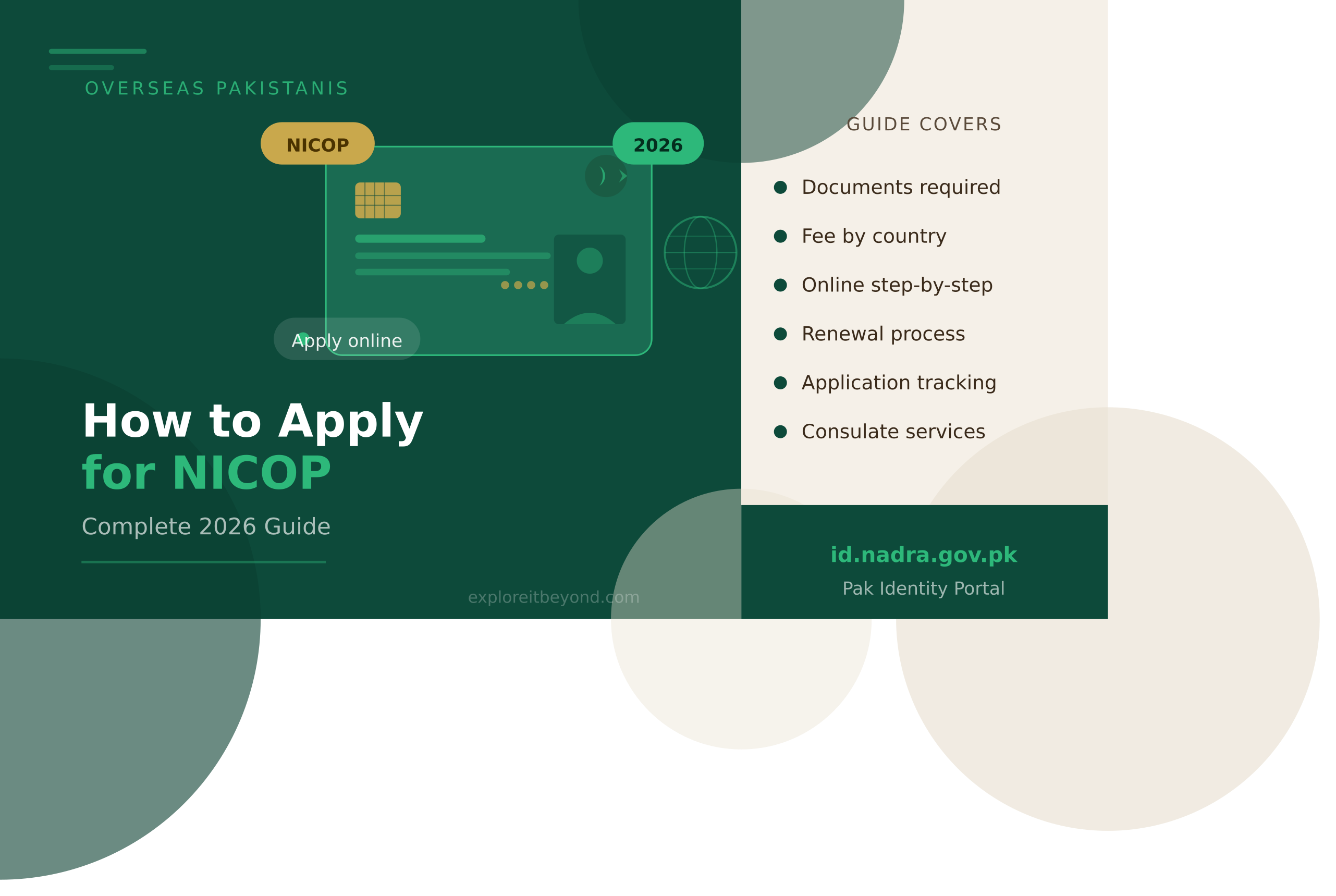
For every overseas Pakistani, the NICOP apply online process is one of the most important administrative tasks to complete — and in 2026, it has never been more accessible. The National Identity Card for Overseas Pakistanis (NICOP) is not just a piece of plastic. It is your legal proof of Pakistani citizenship abroad, your visa-free entry to Pakistan, and your gateway to exercising full citizen rights including buying property, opening bank accounts, voting, and accessing NADRA services from anywhere in the world. NADRA has now made it possible to complete the entire NICOP application online through the Pak Identity portal — without visiting a consulate, without postal queues, and without unnecessary delays.
What Is NICOP and Who Is It For?
NICOP stands for National Identity Card for Overseas Pakistanis. It is issued by NADRA under Section 12 of the NADRA Ordinance 2000 to Pakistani citizens residing abroad.
In 2026, NADRA issues Smart NICOP — a chip-based card containing biometric data, making it one of the most secure identity documents in the region.
NICOP is specifically designed for Pakistani citizens who:
Live abroad permanently or for an extended period
Hold dual nationality in a country that has a dual nationality arrangement with Pakistan
Were born abroad to Pakistani parents
Countries with dual nationality arrangements with Pakistan include the UK, USA, France, Italy, Australia, New Zealand, Canada, Belgium, Iceland, Sweden, Finland, Ireland, Netherlands, and Switzerland. Citizens of these countries who are of Pakistani origin are eligible to apply for Smart NICOP.
Why You Need a NICOP
A NICOP is not optional for Pakistanis settled abroad. Here is what it enables:
Visa-free travel to Pakistan — NICOP holders do not need a separate visa to enter Pakistan
Property purchase — required for registering property in Pakistan
Bank account opening — both in Pakistan and for some overseas transactions
NADRA services — FRC, succession certificate, and other NADRA applications require a valid NICOP
Voting rights — overseas Pakistanis with NICOP are registered voters
Business registration — required for company or partnership registration in Pakistan
Succession and inheritance — NICOP is the primary ID used in NADRA’s succession process
A CNIC holder who moves abroad must transition to a NICOP or keep both documents current. NICOP uses the same 13-digit identity number as the CNIC — so your identity record is continuous.
How to NICOP Apply Online — Step by Step
<invoke name=”web_fetch”>NADRA has fully shifted NICOP processing to the Pak Identity portal. As confirmed by MOFA’s official website, NICOP services are no longer provided at most consulates directly — the preferred and fastest route is the NADRA online system. Here is the complete process to NICOP apply online:
Portal: id.nadra.gov.pk App: PakID Mobile (available on Google Play and Apple App Store)
Step 1 — Register on Pak Identity
Visit id.nadra.gov.pk on your browser or download the PakID Mobile app. Click “Register” if you are a new user. Enter your 13-digit CNIC or NICOP number and your mobile number. Verify your account via OTP. Set a password and complete your profile.
Step 2 — Select NICOP Category
Log in and select the relevant NICOP category from the services menu:
New NICOP — first-time applicants who have never held a NICOP before
Renewal — existing NICOP holders whose card has expired or is near expiry
Modification — for changes to existing data such as address, marital status, or name
Step 3 — Fill in Your Application Form
Enter all required personal details accurately:
Full name as per passport
Father’s name and mother’s name
Date of birth
Current address abroad
Permanent address in Pakistan
Details of both parents’ CNIC or NICOP numbers
Marital status and, if married, spouse’s CNIC or NICOP number
Step 4 — Capture Your Photograph
The PakID portal requires an ICAO-standard photograph taken in real time — not uploaded from your phone gallery. Use the portal’s built-in photo capture function on a smartphone or webcam with a plain white or light-coloured background. No glasses, no head coverings (except for religious reasons), full face visible, and a neutral expression.
Step 5 — Fingerprint Biometrics
The PakID Mobile app can capture fingerprint biometrics using your smartphone camera. If the fingerprint form is required and your card delivery address differs from your CNIC or NICOP permanent or present address, you must also complete and upload the fingerprint form.
Step 6 — Add Two Witnesses
If you are applying from outside Pakistan, you must provide details of two witnesses:
Full name of each witness
Valid NICOP number of each witness
Contact number of each witness
Witnesses must not be your spouse, parents, siblings, or children. They must be valid NICOP holders. Physical presence is not required — you provide their details online.
Step 7 — Upload Required Documents
Upload clear scans of all required documents (see Documents section below). Upload in the steps as prompted — not all documents are uploaded at once.
Step 8 — Review and Sign Declaration
Review all information you have entered carefully. Sign the digital declaration confirming the accuracy of the information. Any incorrect data can result in delays or rejection.
Step 9 — Pay the Fee
Pay the applicable fee using an international credit or debit card through the Pak Identity payment gateway. Fee varies by country zone and processing speed — see the fee table below.
Step 10 — Submit and Track
Submit the application. You will receive a tracking reference number. Your data is transmitted to NADRA Headquarters in Islamabad instantly upon submission. Processing and card dispatch begin from this point.
Documents Required for NICOP Application
For Applicants Born in Pakistan
Valid or expired Pakistani passport (any issued passport)
Foreign passport, permanent residency card, or work/study permit
Birth Certificate issued by Union Council
Matriculation Certificate or MNIC (if available)
Parents’ CNIC or NICOP with updated marital status. If parents’ documents are unavailable, provide a sibling’s CNIC or NICOP
If married: spouse’s CNIC or NICOP and marriage certificate
Proof of current address abroad (rent agreement, utility bill, or driver’s licence)
For Applicants Born Abroad (to Pakistani Parents)
Valid foreign passport
Birth Registration Certificate showing names of both parents
Parents’ CNIC or NICOP with updated marital status
If married: spouse’s CNIC and marriage certificate
Proof of current residence address abroad
For Renewal Only
Previous NICOP (expired or current)
Valid foreign passport
For Lost NICOP
Police Loss Report from the country where the card was lost
Previous NICOP copy (if available)
Valid passport
Additional Documents for Specific Cases
Court Order (original and attested English translation) for single parents with custody of a minor applicant
Employer’s letter for succession-related NICOP applications
Any other supporting explanation if required documents are unavailable
NICOP Fee Structure 2026
NADRA categorises countries into zones for fee calculation. The fee also varies by processing speed.
Zone A — North America, Europe, Australia, New Zealand
Processing Speed
Fee (USD)
Processing Time
Normal
$12
30 working days
Urgent
$18
15 working days
Executive
$24
7 working days
UAE Residents
Processing Speed
Fee (AED)
Processing Time
Normal
AED 75
30 working days
Urgent
AED 110
15 working days
Executive
AED 150
7 working days
Saudi Arabia Residents
Fees are charged in SAR. Confirm the latest SAR fee at the nearest Pakistani mission or at id.nadra.gov.pk at the time of application.
Inside Pakistan (Visiting Applicants)
Processing Speed
Fee (PKR)
Processing Time
Normal
Rs 5,563
30 working days
Urgent
Rs 8,344
15 working days
Executive
Rs 11,126
7 working days
Duplicate certificate fee: Rs 5,000 equivalent (varies by zone) Modification fee: Same as new application fee
Processing time starts from the date of successful application submission — not from payment.
NICOP via Pakistani Consulate — When It Applies
Most consulates have transitioned NICOP services entirely to the online Pak Identity system. As confirmed by MOFA’s official website, NICOP can only be applied online via id.nadra.gov.pk. Consulates no longer process direct NICOP applications at their counters in most countries.
However, certain consulates — including Pakistan Consulate Los Angeles — still maintain a NADRA Facilitation Desk for NICOP and related services by appointment. At these desks, consulate staff assist applicants in completing the online application, capturing live photographs, and submitting biometrics where needed.
For NICOP queries and technical support, contact NADRA directly:
Renewing an expired NICOP follows the same process as a new application through id.nadra.gov.pk. Select “Renewal” instead of “New Application” at the category selection stage. The fee structure is identical to a new application. If your NICOP expired recently, no additional penalty applies. If it has been expired for a long time or was lost, additional verification steps may be required, but the base fee remains the same.
Tracking Your NICOP Application
After submission, track your NICOP application through:
Pak Identity website: Log in to id.nadra.gov.pk and check your application dashboard
PakID Mobile app: Monitor status in real time under “My Applications”
Complaint portal: id.nadra.gov.pk/complaint/ for any escalation
Feedback portal: id.nadra.gov.pk/feedback/
Processing time starts after successful submission. Actual delivery times vary by dispatch destination and local postal services in your country.
NICOP and Your Passport — Know the Connection
Your NICOP and Pakistani passport work as a pair. NICOP gives you visa-free entry to Pakistan. Your Pakistani passport is your international travel document. Both should be kept current together.
If you are also planning to renew your Pakistani passport from abroad, our complete step-by-step guide on how to apply for a Pakistani passport online covers the full online renewal and new application process — including documentation, fees, and how overseas Pakistanis complete the process through Pakistani missions.
Once your passport is issued, tracking its dispatch is equally important. Our guide on passport tracking Pakistan explains how to monitor your MRP delivery status in real time — whether you applied from inside Pakistan or through an overseas mission.
Common Mistakes to Avoid
Photograph not meeting ICAO standards. Use the portal’s live capture feature. Do not upload old or edited photos. Non-compliant photos are the most common reason for rejection.
Witnesses who are blood relatives. Witnesses cannot be your spouse, parents, siblings, or children. They must be independent NICOP holders.
Incomplete or expired parent documents. If your parents’ CNIC has expired, it may still be submitted — but updated marital status must be reflected. If parents’ documents are unavailable, provide siblings’ CNICs.
Uploading blurry or low-resolution scans. Every uploaded document must be clearly legible. Smartphone photos of physical documents are acceptable if well-lit and in focus.
Selecting the wrong processing zone. Ensure your zone matches your country of residence to get the correct fee. Overpaying or underpaying can delay processing.
Not saving the application reference number. Save or screenshot your tracking reference immediately after submission.
FAQs — NICOP Apply Online
Q: How do I NICOP apply online in 2026? Visit id.nadra.gov.pk, register with your CNIC or NICOP number, select your application category, fill in personal details, capture your photograph via the portal, add two witnesses, upload all required documents, pay the fee online, and submit. Your data is transmitted to NADRA instantly upon submission.
Q: What is the NICOP fee in 2026? Zone A countries (USA, UK, Europe, Australia): $12 normal, $18 urgent, $24 executive. UAE residents: AED 75, AED 110, AED 150 respectively. Inside Pakistan: Rs 5,563 normal, Rs 8,344 urgent, Rs 11,126 executive.
Q: What documents do I need to NICOP apply online? You need a valid or expired Pakistani passport, foreign passport or residency document, parents’ CNIC or NICOP, proof of current address abroad, and if married, your spouse’s CNIC and marriage certificate. Born-abroad applicants also need a Birth Registration Certificate.
Q: Can I apply for NICOP without visiting a consulate? Yes. NADRA’s Pak Identity system processes NICOP applications entirely online. Most Pakistani missions no longer accept NICOP applications at their counters. The online portal at id.nadra.gov.pk is the official and preferred channel.
Q: How long does NICOP processing take? Normal processing takes 30 working days from submission. Urgent takes 15 working days. Executive takes 7 working days. Actual delivery to your overseas address depends on postal services in your country.
Q: Can I renew my NICOP online? Yes. Select “Renewal” at the category stage on id.nadra.gov.pk. The process and fee are the same as a new application. Upload your previous NICOP and valid passport.
Q: Can children get a NICOP? Children under 18 are issued a Child Registration Certificate (CRC) or Juvenile Card — not a NICOP. NICOP is issued to applicants 18 years and above.
Q: What if my fingerprints fail to capture on the app? Try up to three times. If fingerprint capture fails, the system allows facial matching as an alternative. You may also be asked to appear at a NADRA Registration Centre or Pakistani mission for in-person verification.
Q: Can I track my NICOP application online? Yes. Log in to your id.nadra.gov.pk account or use the PakID Mobile app to track your application status in real time. You can also visit id.nadra.gov.pk/complaint/ to escalate any delays.
Q: Is NICOP the same as a CNIC? They use the same 13-digit number and the same identity record. CNIC is issued to Pakistan residents. NICOP is issued to Pakistani citizens living abroad. A CNIC holder who moves abroad should update their status to NICOP to reflect their overseas residency and gain visa-free travel benefits.
Final Word
The ability to NICOP apply online from anywhere in the world — in three steps and without visiting any office — is one of NADRA’s most impactful digital achievements for overseas Pakistanis. Whether you are in London, Houston, Dubai, or Sydney, your Pakistani identity is now entirely manageable from your phone or laptop.
Keep your NICOP current. Keep your passport current alongside it. And make sure both are valid well before any planned travel, property transaction, or family document need arises — because processing takes time even when everything goes smoothly.