How to
How to Track Pakistan Passport Application Status: A Complete Guide

Published
3 weeks agoon
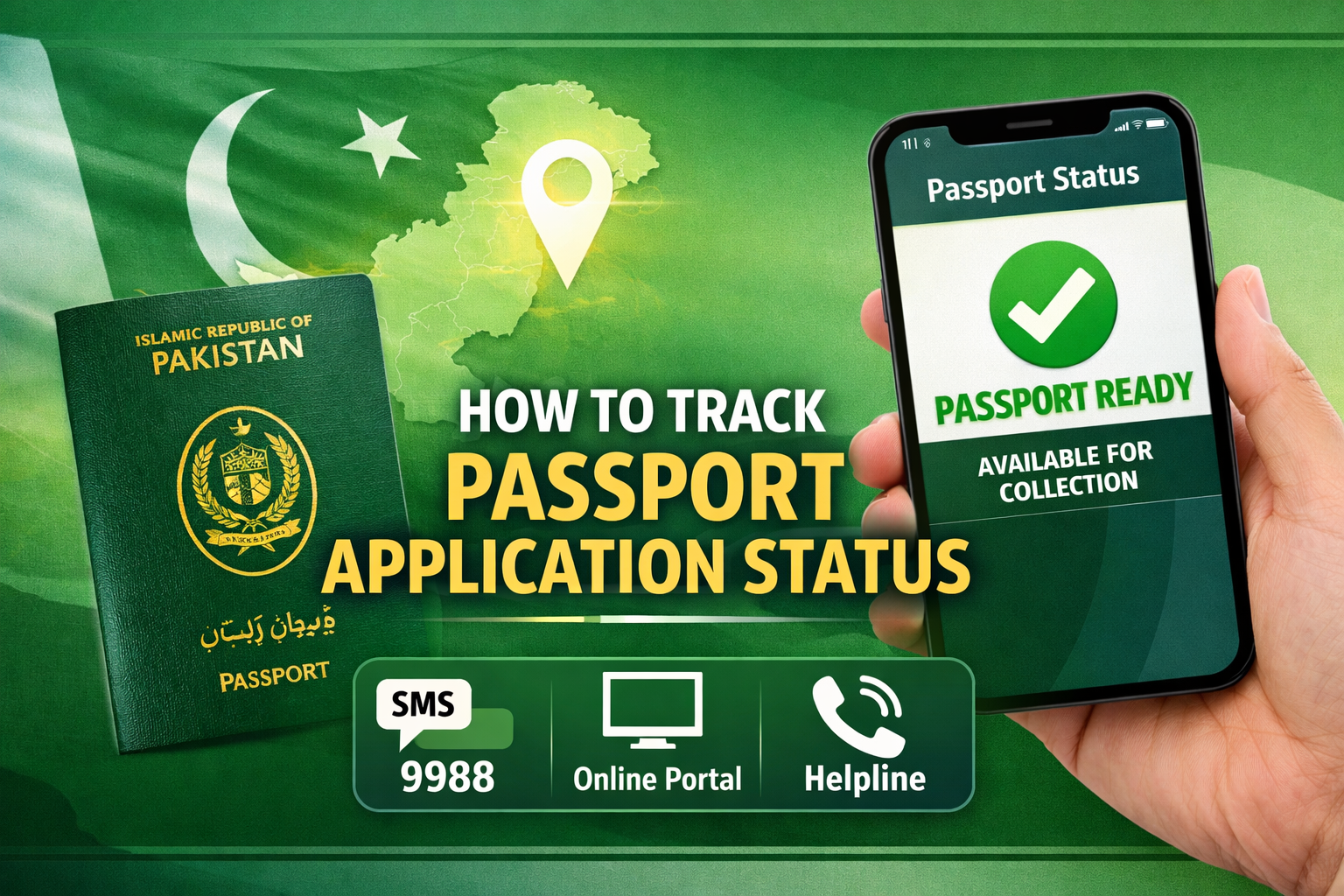
If you have recently submitted your passport application in Pakistan, waiting for updates can feel frustrating and uncertain. The good news is that the Directorate General of Immigration & Passports (DGIP) has made passport tracking Pakistan easier than ever before, with multiple official channels available at your fingertips. Whether you are at home, at work, or living abroad, you can check your passport application status without visiting a passport office.
This comprehensive guide walks you through every method available, step by step, so you always know exactly where your passport stands.
Why Passport Tracking Pakistan Matters
Before diving into the how-to, it helps to understand why tracking your passport status is important. Processing times in Pakistan vary depending on the type of service you selected. For normal service, the standard processing window runs between 10 to 30 working days, while urgent service typically takes 4 to 10 working days. Given these windows, staying updated prevents unnecessary visits to the passport office, helps you plan travel in advance, and immediately alerts you if there is an issue with your application that needs to be resolved.
The DGIP processes millions of applications each year — approximately 5.5 to 5.57 million passports were issued in 2025 alone — so having a reliable tracking system in place benefits both applicants and the department.
What You Need Before Tracking
To use any passport tracking method in Pakistan, you need one or both of the following:
1. Your Token Number (11-digit): When you submit your passport application at any Regional Passport Office (RPO), you receive a printed token slip. This slip contains your unique 11-digit token number, which is the primary identifier linked to your application at every stage of processing.
2. Your CNIC Number: Your Computerized National Identity Card number is an alternative identifier used in some tracking portals. Make sure you keep both your token slip and CNIC details accessible throughout the process.
If you have misplaced your token slip, do not panic — you can visit your nearest passport office with your original CNIC to retrieve your application record.
Method 1: Passport Tracking Pakistan via SMS (9988)
The quickest and most accessible method for passport tracking Pakistan is the official SMS service operated by the DGIP. This service was launched to ensure that every Pakistani citizen, regardless of their internet access, could receive real-time updates on their application.
How to use the SMS tracking service:
- Open the messaging application on your mobile phone.
- Type your 11-digit token number in the message body (do not add any extra text or characters).
- Send the message to 9988, which is the official DGIP SMS code for passport tracking.
- Within moments, you will receive an automated reply containing the current status of your passport application.
The DGIP also advises all applicants to provide their correct mobile number during the data entry stage at the passport office. This ensures that the system can automatically push status updates to your phone at each processing milestone — without you needing to request them manually.
Important tip: Standard SMS rates charged by your mobile network operator apply to each message sent to 9988. These are typically just a few rupees per message. The government does not charge any additional fee for this tracking service.
If you do not receive a reply after sending your token number, check the following: confirm you have used the correct 11-digit number from your token slip, verify that you have sufficient mobile balance, ensure you are using the same mobile number registered during your passport application, and try again after an hour.
Method 2: Passport Tracking Pakistan Online via DGIP Portal
For applicants who prefer to use the internet, the DGIP provides an online portal where you can check your passport application status digitally.
How to track online:
- Open your web browser and visit the official DGIP website at dgip.gov.pk.
- Navigate to the “Passport Status Check” or “Track Passport Application” section on the homepage.
- Enter your 11-digit token number in the designated field.
- Enter your CNIC number for identity verification.
- Click “Submit” or “Track Status” to proceed.
- Your passport’s current processing stage will be displayed on the screen.
A few tips for using the online portal effectively: make sure your browser is up to date to avoid compatibility issues; enter your token number and CNIC exactly as they appear on your documents; if no result appears, wait a few hours and try again, as the system sometimes takes time to sync after a new stage is completed.
Method 3: Tracking via CNIC Number
In some cases, applicants can also use their CNIC number directly to check their passport status, particularly through the DGIP portal and certain consulate websites. To use this method, visit the official tracking portal and enter your 11-digit CNIC number along with other verification details such as your date of birth.
If you applied for your passport online and have an account with DGIP’s e-Services platform, you can log in with your credentials and view the real-time status of your application from your personal dashboard.
Method 4: Email Tracking for Overseas Pakistanis
Pakistani citizens living abroad who apply for passports through their local embassy or consulate have access to a dedicated tracking pathway. The DGIP uses the Email Rabta Service to send automatic email updates to overseas applicants at each processing stage, provided they supplied a valid email address during their application’s data entry phase.
For overseas Pakistanis, tracking options include:
- DGIP Online Portal: Log in to your account at dgip.gov.pk with your token number and registered mobile number to view your application’s current stage — whether it reads processing, printing, dispatched, or delivered.
- Embassy or Consulate Inquiry: Contact your nearest Pakistani embassy or consulate directly, providing your token number and CNIC. Embassy staff can access the DGIP system and relay your application status.
- Courier Tracking: Once your passport is printed in Pakistan, it is dispatched to the embassy via Pakistan Post (EMS) or TCS International. The embassy will provide a courier tracking ID that you can use to follow the shipment in real time.
Understanding Your Passport Status Messages
Once you use any of the tracking methods above, you will receive one of several standard status messages. Here is what each one means:
Application Accepted / Under Review: Your documents have been received and verified. Your application has been entered into the system and is awaiting the next processing step.
Data Entry in Progress: Office staff are actively entering your details into the DGIP database. This is an early processing stage.
Under Process / In Process: Your application is moving through verification and approval stages. This is the most common status for applications within the standard processing window.
Printing in Progress: Your application has cleared all verification checks and your passport is currently being printed at the central production facility. This is a positive sign that the process is nearly complete.
Dispatched to Office: Your printed passport has been sent from the central printing facility to your designated Regional Passport Office (RPO) or foreign mission. It may take additional shipment time to arrive at its destination.
Ready for Collection / Delivered: Your passport has arrived at the designated passport office or embassy and is ready for you to collect. You will typically receive an SMS or email notification at this stage.
Additional Verification Required: Your application requires extra checks before proceeding. If you receive this message, visit your passport office with your original documents to resolve the issue promptly.
DGIP Helpline for Passport Tracking Pakistan
If SMS and online tracking do not resolve your query — or if you encounter a discrepancy in your application details — you can contact the DGIP directly via phone. The official DGIP helpline number is 051-111-344-777, available during office hours.
For email-based inquiries about general passport matters, you can write to the relevant DGIP email addresses listed on their official website at dgip.gov.pk. When contacting the helpline or writing by email, always have your token number, CNIC, and the date of your application ready to speed up the assistance process.
Common Passport Tracking Problems and How to Fix Them
Even with a reliable system in place, applicants sometimes run into issues. Here are the most common problems and their solutions:
Status Not Found: This usually means your application has not yet been indexed in the system. Wait 24 to 72 hours after submitting your application and then try again. If the issue persists, visit your passport office with your original token slip.
Processing Time Exceeded: If your status has remained “under process” beyond the standard window — more than 30 working days for normal service or more than 10 working days for urgent service — visit your Regional Passport Office in person with your token slip and CNIC for a manual status update.
Data Mismatch or Verification Pending: Submit corrected supporting documents at the passport office and provide your original CNIC for re-verification.
SMS Reply Not Received: Confirm you have sent the exact 11-digit token number to 9988 with no spaces or extra characters. Also check your mobile balance and network signal.
Delivery Delay After Printing: If your status shows “Printed” but your passport has not arrived for collection, confirm the dispatch method at your passport office and use the courier tracking ID if a delivery service was used.
Already Applied? Here’s How to Start
If you are reading this guide and have already submitted your application, the fastest next step is to send your 11-digit token number via SMS to 9988 right now. You should receive your current status within seconds. If you haven’t applied yet and want to understand the full application process first, you can read this detailed walkthrough on how to apply for a Pakistani passport online — it covers everything from document preparation to fee payment and submission, which makes understanding your tracking results much easier.
Quick Reference: Passport Tracking Pakistan Summary
| Method | What You Need | Best For |
|---|---|---|
| SMS to 9988 | 11-digit Token Number | Quick check, no internet needed |
| DGIP Online Portal (dgip.gov.pk) | Token Number + CNIC | Detailed status, registered users |
| CNIC Tracking | CNIC + Date of Birth | Alternative to token number |
| Email Rabta Service | Registered email address | Overseas Pakistanis, automatic updates |
| Embassy / Consulate | Token Number + CNIC | Overseas Pakistanis, in-person |
| DGIP Helpline: 051-111-344-777 | Token Number + CNIC | Complex queries, discrepancies |
Frequently Asked Questions
How can I track my passport in Pakistan?
You can track your passport by sending your token number via SMS to 9988, using the DGIP online portal, or contacting the official helpline.
What is the SMS code for passport tracking?
The official SMS code for passport tracking in Pakistan is 9988.
Can I track my passport online?
Yes, applicants can use the DGIP online portal with their tracking ID or token number.
What should I do if my passport tracking shows “under process”?
This means your passport is still being processed. You should wait until the next update.
How will I know when my passport is ready?
You will receive an SMS notification when your passport is ready for collection.
Final Thoughts
Passport tracking in Pakistan has come a long way, and the DGIP’s multi-channel approach ensures that no applicant is left in the dark. Whether you prefer a quick text message, an online portal, or a direct phone call, there is a method suited to your situation. The key to a smooth experience is simple: keep your token slip safe, use the mobile number and email address you registered during your application, and check your status through official DGIP channels only.
The next time you find yourself wondering whether your passport is ready, skip the trip to the passport office and send that SMS to 9988 instead — your answer will be in your hands within seconds.

You may like
- How to Apply for a Marriage Certificate in Pakistan — NADRA & Union Council Complete Guide 2026

- How to Get a Birth Certificate in Pakistan: Complete 2026 Guide
- Used Cars Pakistan Guide: Best Pre-Owned Vehicles (Pros & Cons)

- Travel Packing Pakistan Tips: The Ultimate 2026 Checklist for Every Region

- Yumna Zaidi Biography: Age, Husband, Dramas and Net Worth 2026