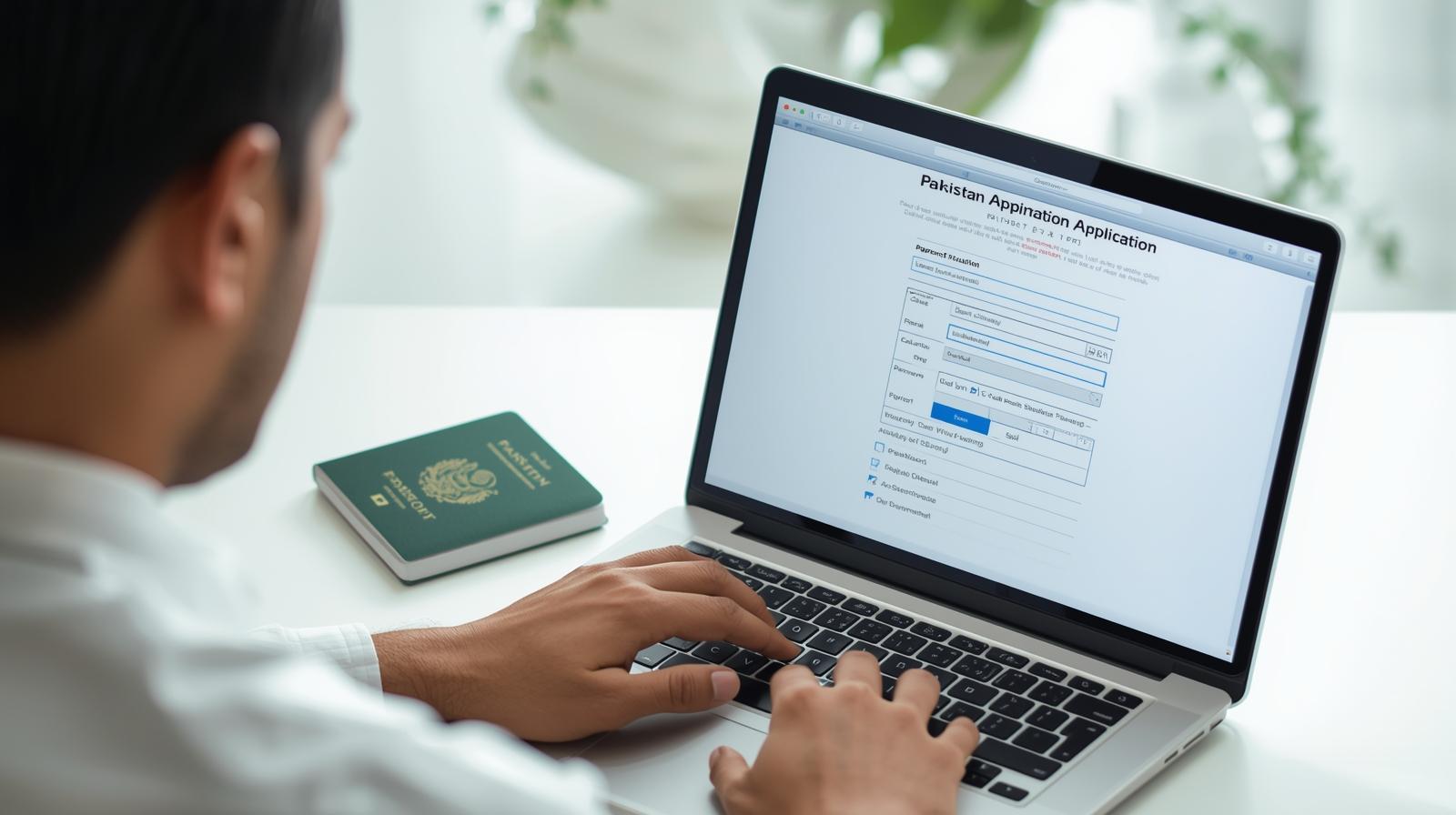
Applying for a passport used to mean long queues, confusing forms, and tedious waiting. But thanks to the Government of Pakistan’s digital push, you can now passport online apply Pakistan through a secure official portal. This guide will walk you through the entire process — from eligibility to final delivery — in simple, step-by-step steps.
Whether you’re a first-time applicant, renewing your passport, or updating details, this blog equips you with everything you need to know to successfully complete your passport application online — without any guesswork.
What Is the Online Passport System in Pakistan?
The Directorate General of Immigration & Passports (DGIP) — a department of Pakistan’s Ministry of Interior — now offers an online passport application system so citizens can apply from home or abroad. The online portal allows you to:
Submit new passport applications
Renew existing Machine Readable Passports (MRP)
Update or modify an existing passport (minor changes)
Track your application status online
Pay the passport fee using digital methods
This digital system saves time, reduces crowding at passport offices, and offers greater transparency in passport processing.
The online application works through an e-services portal run by DGIP. Once your application is submitted and verified, your passport will be processed, printed, and dispatched according to your selected service type.
Who Can Passport Online Apply Pakistan?
Before starting your online passport application, ensure you meet the basic eligibility criteria:
Eligibility Checklist
✔ You must be a Pakistani citizen ✔ You must possess a valid CNIC/NICOP/Smart NIC for adults ✔ Minors must have Form-B/CRC and parents’ documents ✔ Overseas applicants can apply online from abroad ✔ Your previous passport (for renewals) must be available if applicable
If you don’t yet have a valid identity card, you can apply for one online through NADRA. (Also see my guide on how to apply for CNIC online in Pakistan, where the process is explained in detail and has helpful links.)
Documents You’ll Need to Upload
Before you begin the passport online apply Pakistan process, gather these documents:
✔ For Adults (18+)
Valid CNIC / NICOP / Smart National ID
Recent photo with white background
Old passport (for renewal)
Valid email address and phone number
✔ For Minors (Under 18)
Child Registration Certificate (CRC) / Form-B
CNIC of both parents
Digital photo of the child
Parents’ passports/ID copies
✔ Additional (If Overseas)
Copy of your foreign residence permit
Passport/visa of host country (if dual national)
Tip: Make sure all scanned copies are clear and legible before uploading.
Step-by-Step: How to Passport Online Apply Pakistan
Now let’s walk through the passport online apply Pakistan process from start to finish.
This is the only authorized website for online passport applications. Avoid third-party sites to prevent fraud or errors.
Step 2: Create or Login to Your Account
If you’re new to the portal:
Click “Register” or “Create New Account”
Enter your full name, CNIC, email, and mobile number
Verify your email through the confirmation email sent
Already registered? Just log in using your credentials.
Step 3: Fill the Online Passport Form
Once logged in:
Select the type of application (New / Renewal / Modification)
Enter your personal details:
Full name
CNIC number
Date of birth
Address
Passport type (5 or 10 years)
Upload scanned files of required documents
Be sure to double-check all fields before submitting, as mistakes can delay processing.
Step 4: Upload Your Photos and Documents
Upload high-quality digital documents, such as:
✔ CNIC or Form-B ✔ Digital passport photo ✔ Old passport (for renewals) ✔ Any other supportive documents
Ensure file sizes meet the portal requirements. Clear and correct uploads reduce verification time.
Step 5: Pay the Passport Fee Online
After filling all details, proceed to pay the passport fee using the built-in payment options:
Credit / Debit Card
Internet Banking
ATM
JazzCash / Easypaisa
Passport Fee Asaan portal (generates PSID for offline payment if needed)
Important: Online payment fees are not refundable once submitted — so make sure all details are accurate before payment.
Step 6: Biometric Appointment (If Needed)
In most cases, first-time applicants and some renewals may also need to visit a Regional Passport Office (RPO) for:
✔ Fingerprint capture ✔ Digital photo verification ✔ Biographic confirmation
Overseas applicants might complete biometric verification remotely using the Pak-ID mobile app (link available on DGIP’s portal). While the system works, some people find it glitchy, so expect possible delays.
Step 7: Track Your Application
Once your application is submitted, you can track its status:
🔹 Via the online portal dashboard 🔹 Through email and SMS updates 🔹 By calling DGIP helpline for any major issues
Tracking ensures you stay updated on any required follow-ups or documentation issues.
Step 8: Passport Dispatch and Delivery
After approval:
✔ Passport is printed ✔ Dispatched to your selected address ✔ You receive tracking or delivery SMS
For overseas applicants, delivery may take longer due to mailing logistics. Domestic applications typically reach within a few weeks.
Common Issues and How to Solve Them
Typical UX Problems
Payment errors gateway failures
Delay in Pak-ID fingerprint verification
Email/SMS notifications not received
Slow status updates on portal
Tips:
Always verify your email and mobile number upfront
Use a stable internet connection for uploads
If stuck, contact DGIP’s online passport support via email or helpline
Processing Time & Fees
Processing times and fees vary by service type:
Service
Normal
Urgent
5 Years, 36 pages
~10–21 days
~7–14 days
10 Years, 36 pages
Higher fee
Faster priority
Fees are published on the official portal and updated regularly. Always verify accurate fee rates before paying online.
Passport Categories You Can Apply For
The online portal allows applications for:
New Passports
Renewals
Damaged Passport Replacement
Lost Passport Reissue
Minor modifications (like name change)
However, some first-time adult applicants may still need a physical visit to the passport office depending on circumstances.
Helpful Related Resources
While applying online, you may also find the following guides useful:
How to File an Online FIR in Pakistan — a complete guide that helps if your passport was lost or stolen and you need a police report before applying.
These links help you complete prerequisite steps — like CNIC and FIR — that often come up during passport applications.
Final Tips Before You Apply
✔ Prepare ALL documents in advance ✔ Use a desktop browser (easier interface) ✔ Save PDF copies of every step ✔ Keep your CNIC valid and active ✔ Verify passport delivery preferences before submission
By following these steps and tips, you can passport online apply Pakistan with confidence and avoid common errors. The digital passport system represents one of Pakistan’s most user-friendly government initiatives — and with proper preparation, your application can be smooth and quick.